Access your settings
As a space admin, you can access the settings page from the space sidebar. The settings are organized into tabs, each covering a specific aspect of your space configuration.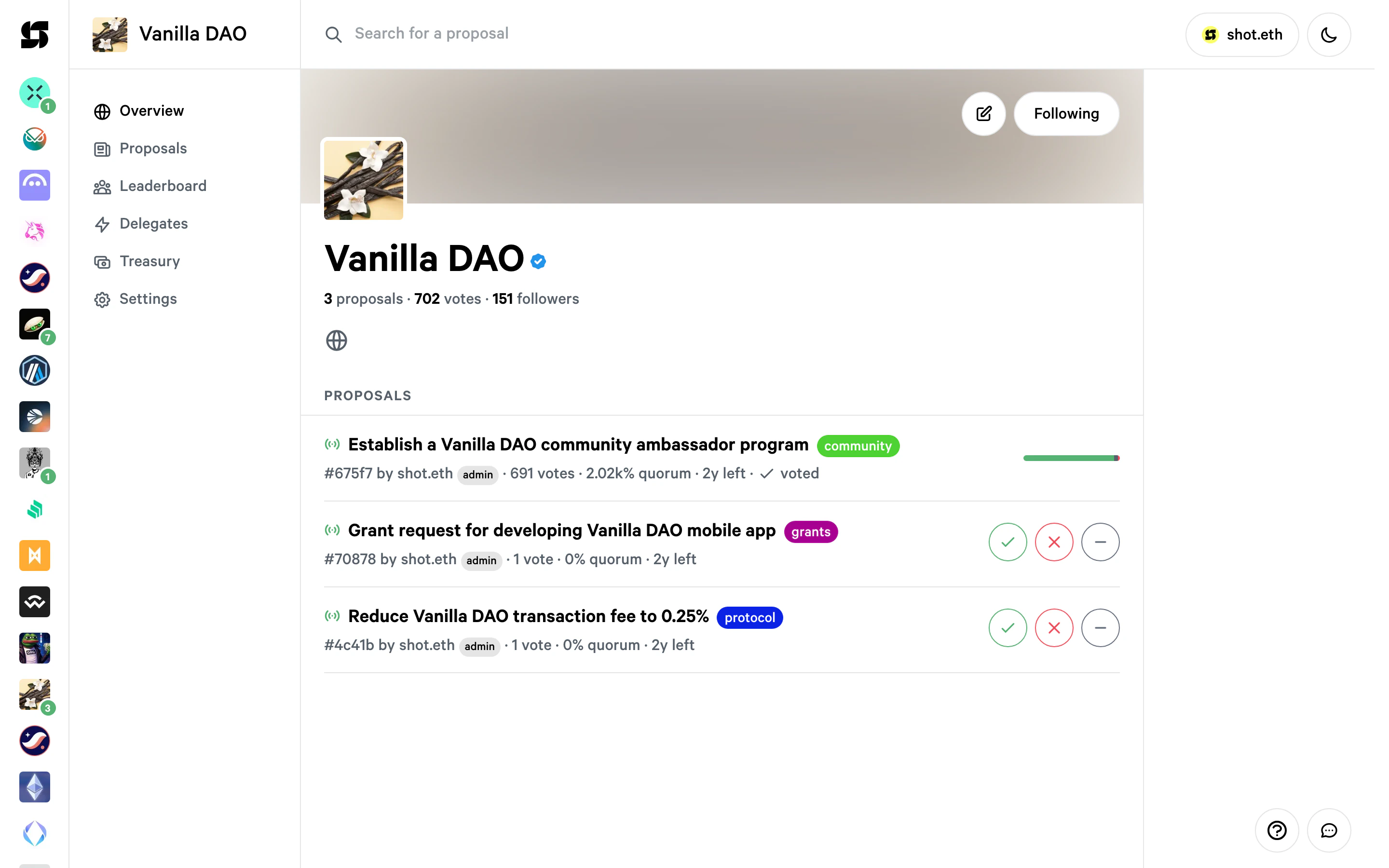
You can navigate directly to the settings page with the URL:
https://snapshot.box/#/s:<YOUR-SPACE>/settingsProfile
Edit your space’s profile information including name, description, avatar, cover image, categories, voting power symbol, and social accounts (website, GitHub, X, Farcaster, CoinGecko).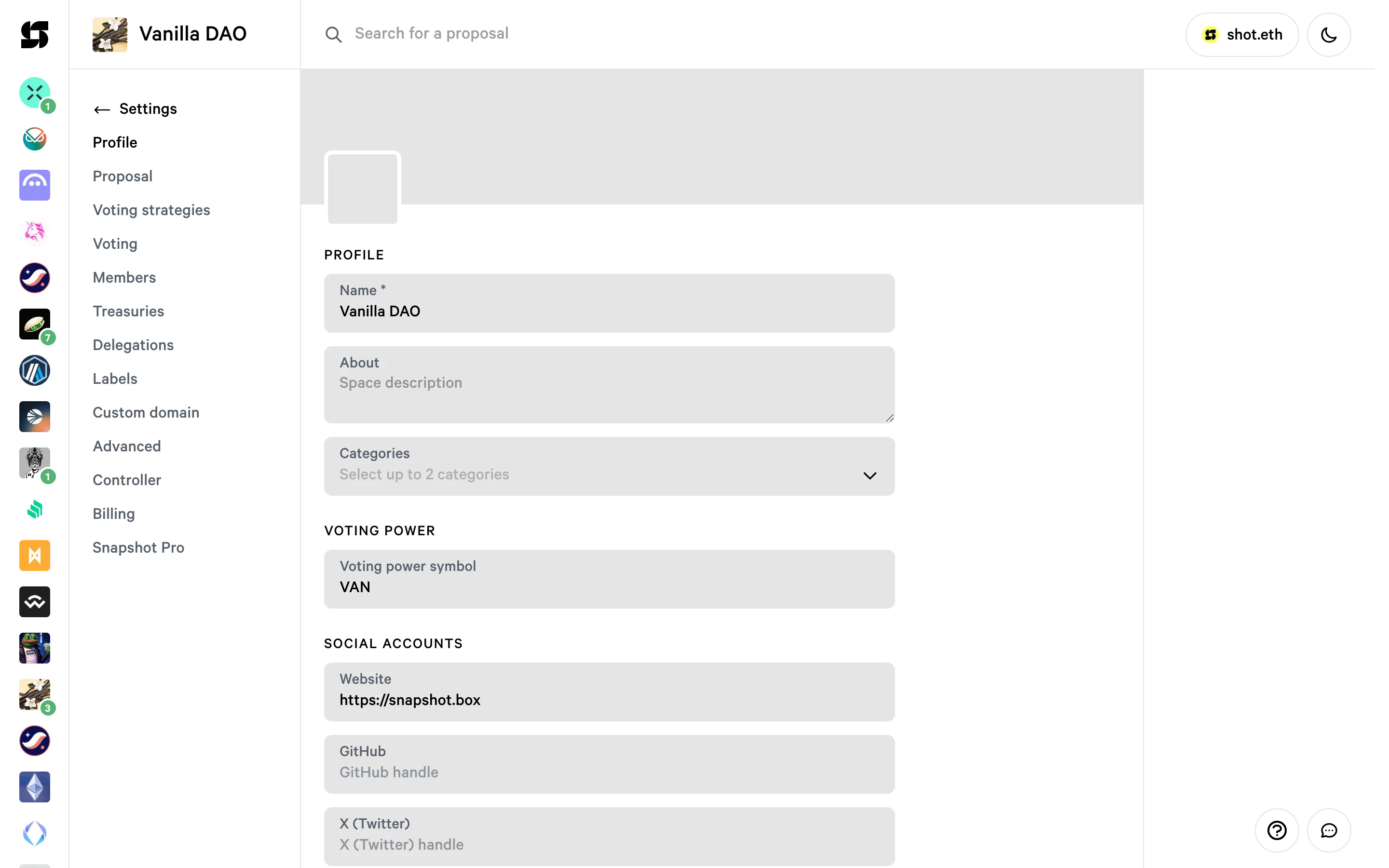
Social accounts
Link your social media accounts by entering your handle in the corresponding fields.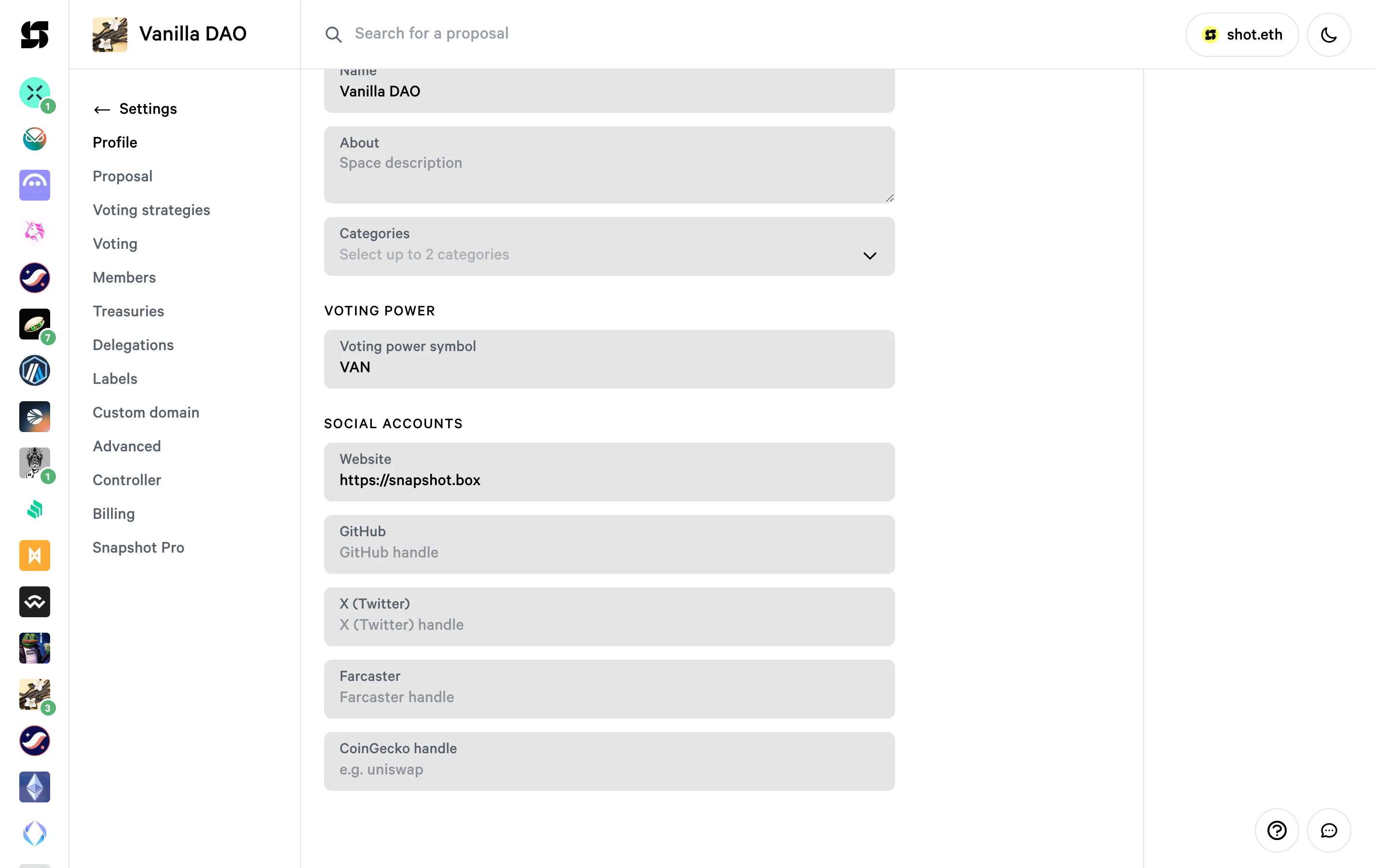
Controller
The controller is the account able to change the space settings and cancel pending proposals. By default it’s set as the ENS domain owner, but you can change it to another address.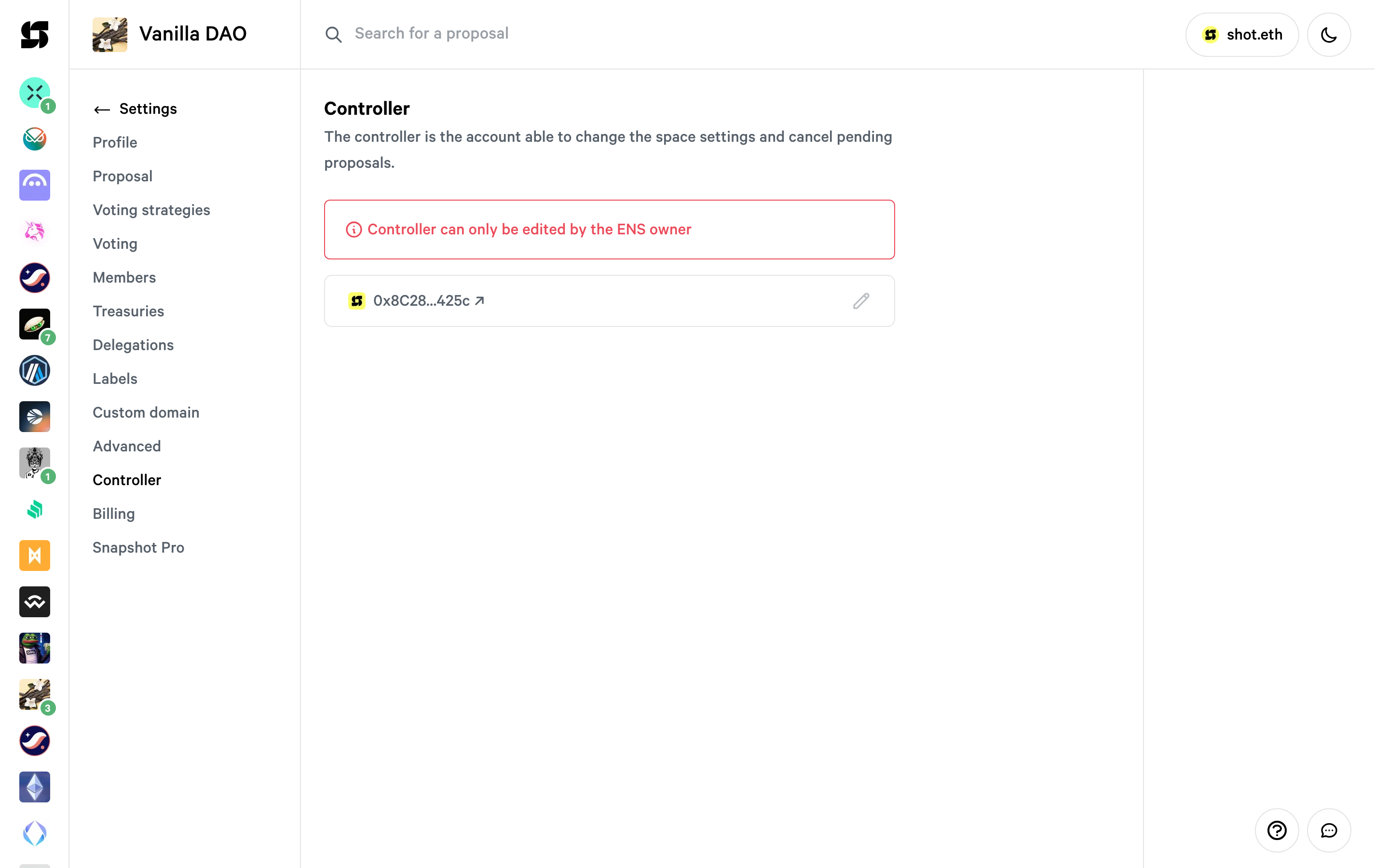
Voting strategies
Specify how voting power should be calculated by adding up to 6 strategies. Select a network and add strategies from the available list. Voting power is cumulative across strategies. To learn more about strategies, head to voting-strategies.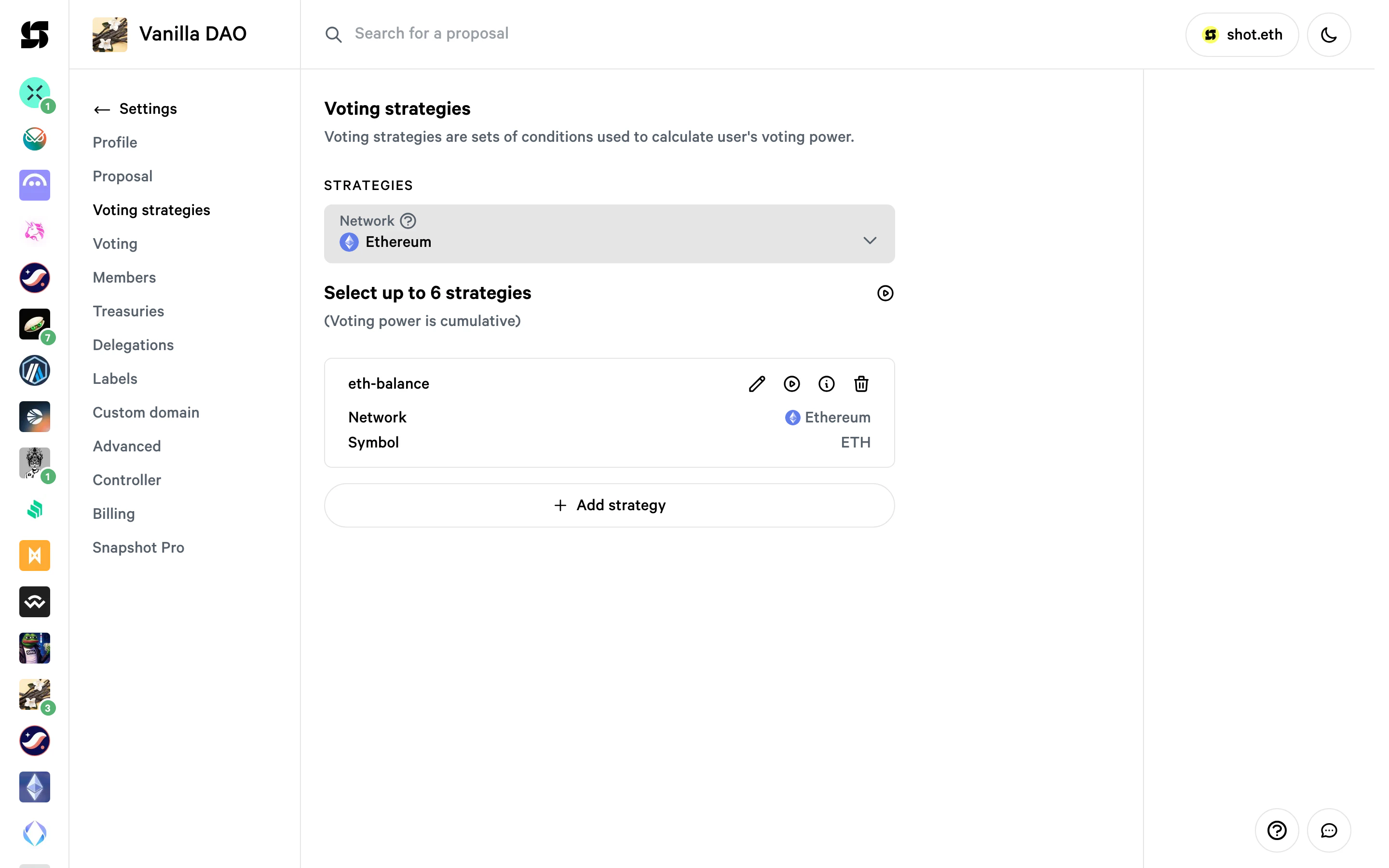
Members
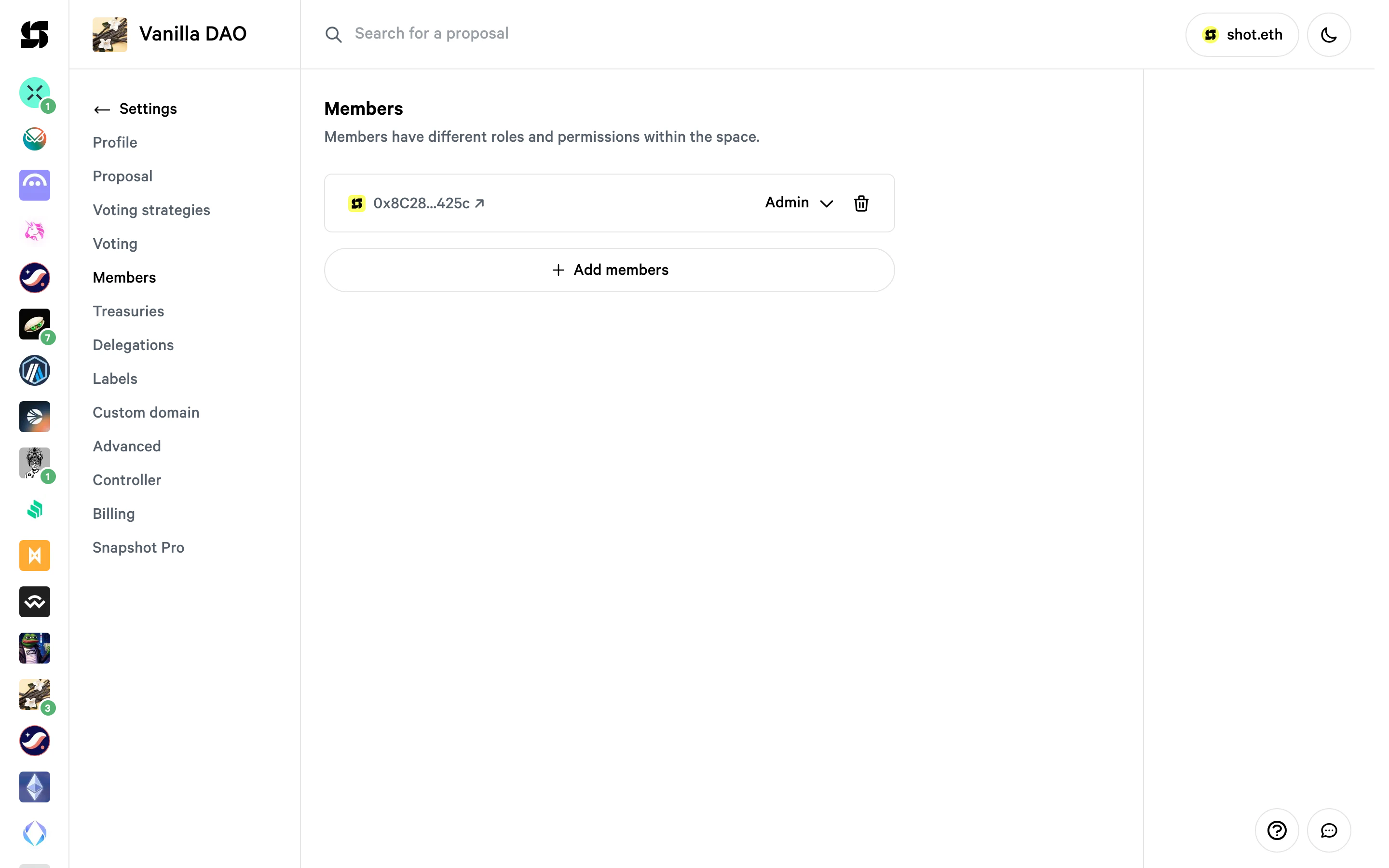
Assign roles and permissions to your space members:- Admin: can modify settings, manage proposals, and create proposals
- Moderator: can manage proposals and create proposals
- Author: can create proposals without validation
Proposal
Configure proposal guidelines, templates, and validation. The proposal validation determines who is allowed to create a proposal.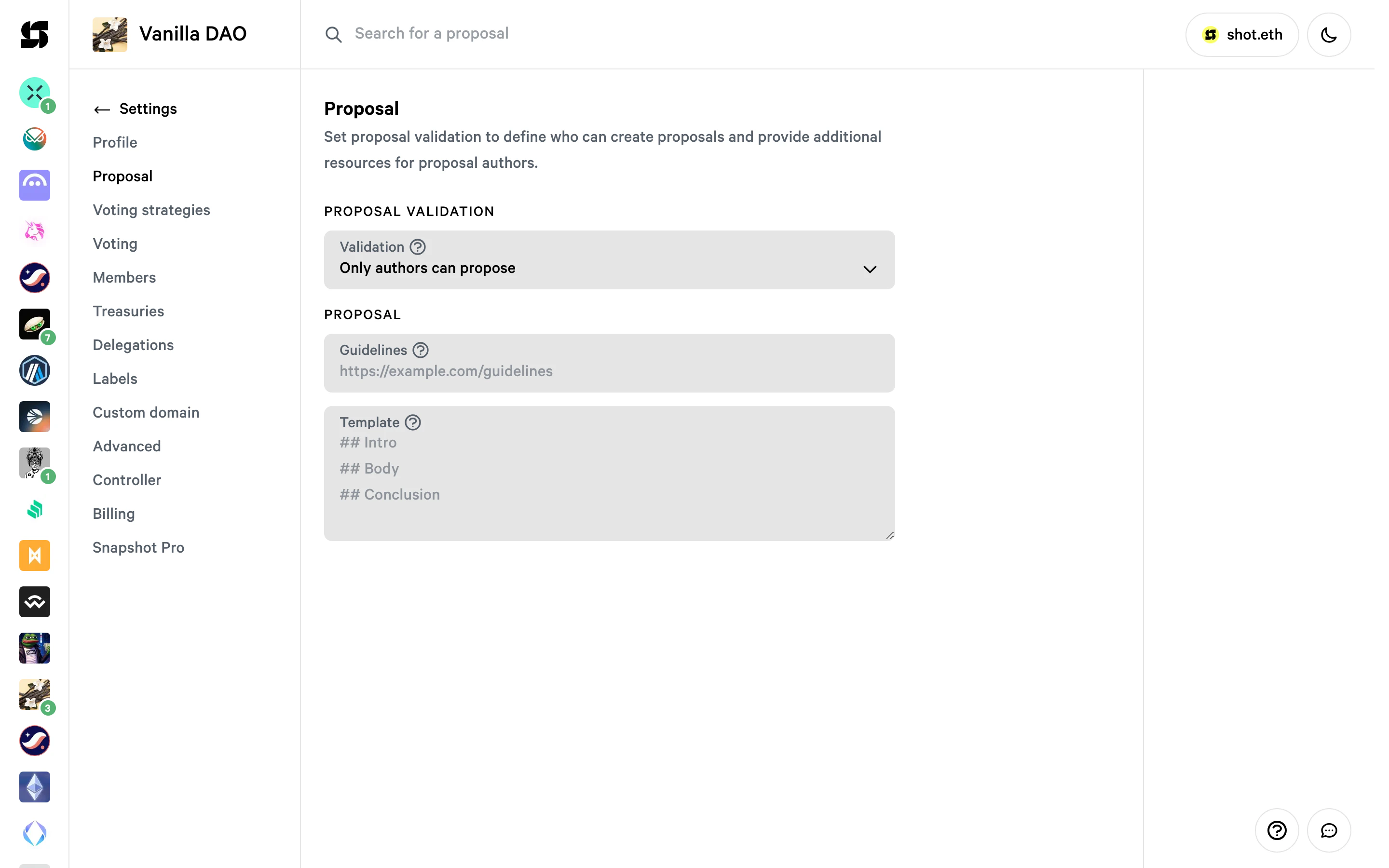
Proposal validation
To validate if someone can post a proposal, you can use the basic validation which checks voting power against a minimum threshold, or restrict proposals to authors only. To learn what a validation is head to validation-strategies.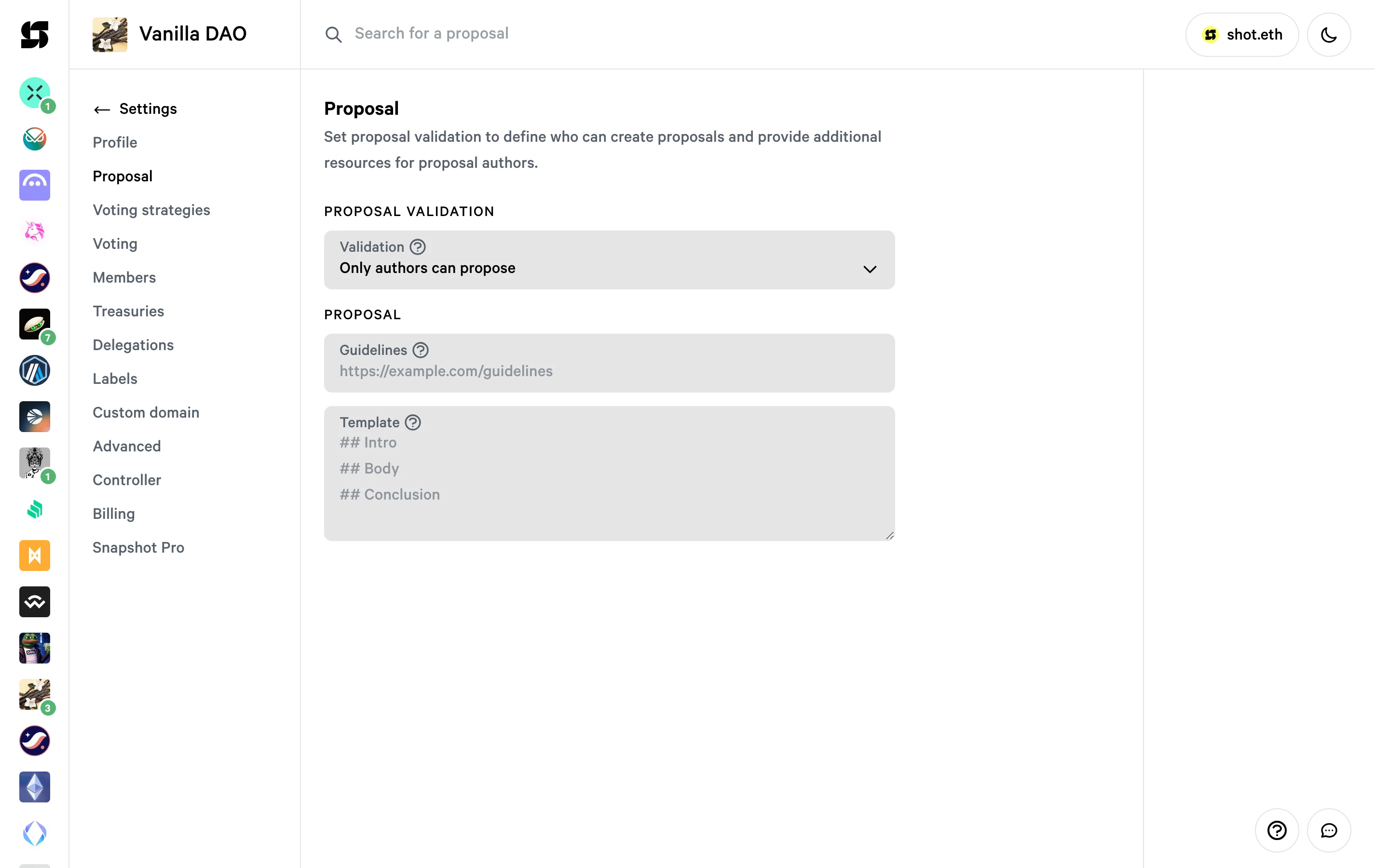
Voting
Set the voting delay (time between proposal creation and the start of voting) and the voting period (duration that voting remains open). Configure quorum (the amount of voting power required for a proposal to pass), type (voting system), privacy, and vote validation.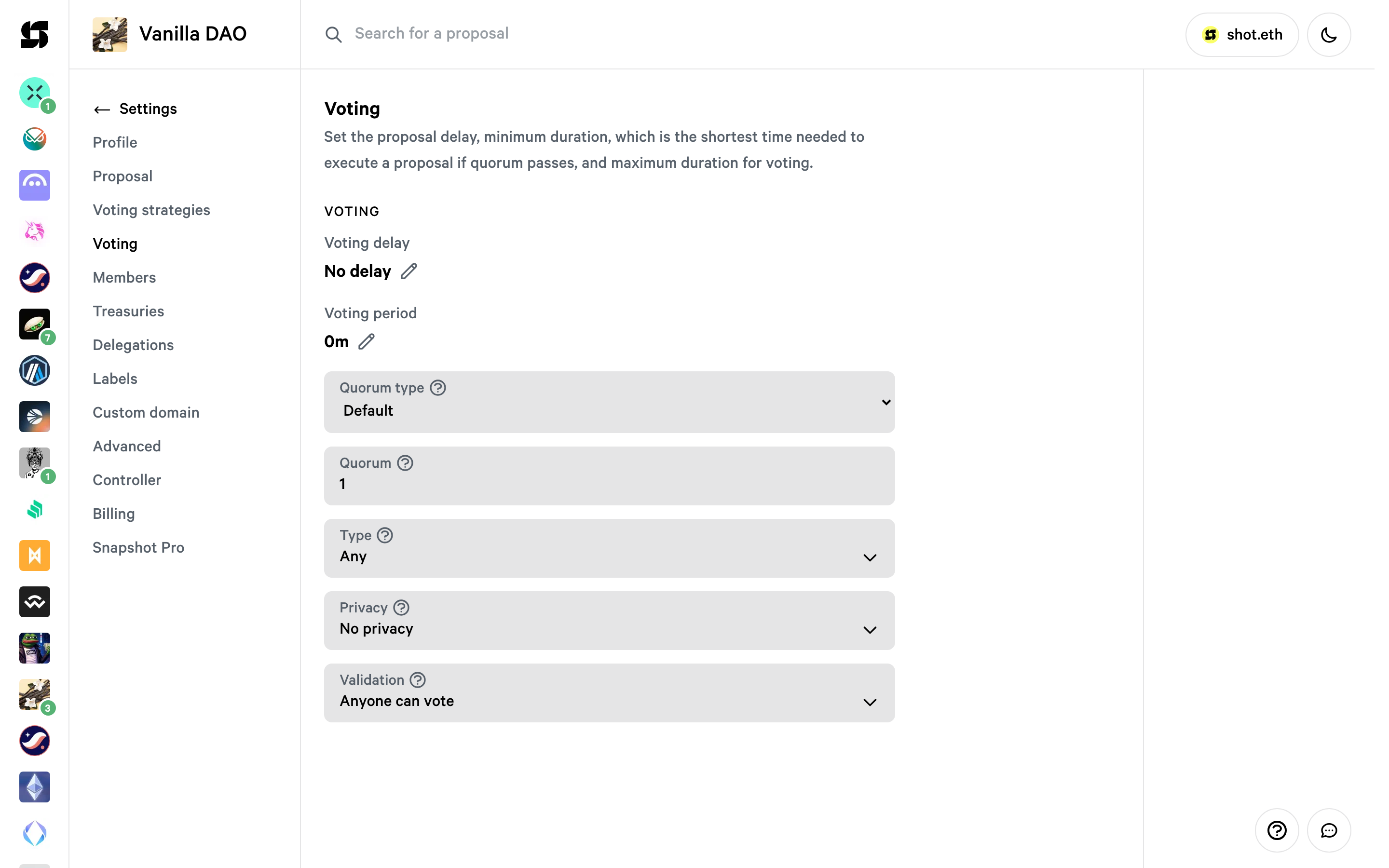
Shielded voting
You can enable shielded voting if you want to enable partial privacy and reduce voter apathy. Powered by Shutter, it uses threshold encryption so that voters’ choices are private during the voting period and revealed when the proposal closes. To enable it, select Shutter in the Privacy dropdown on the Voting tab.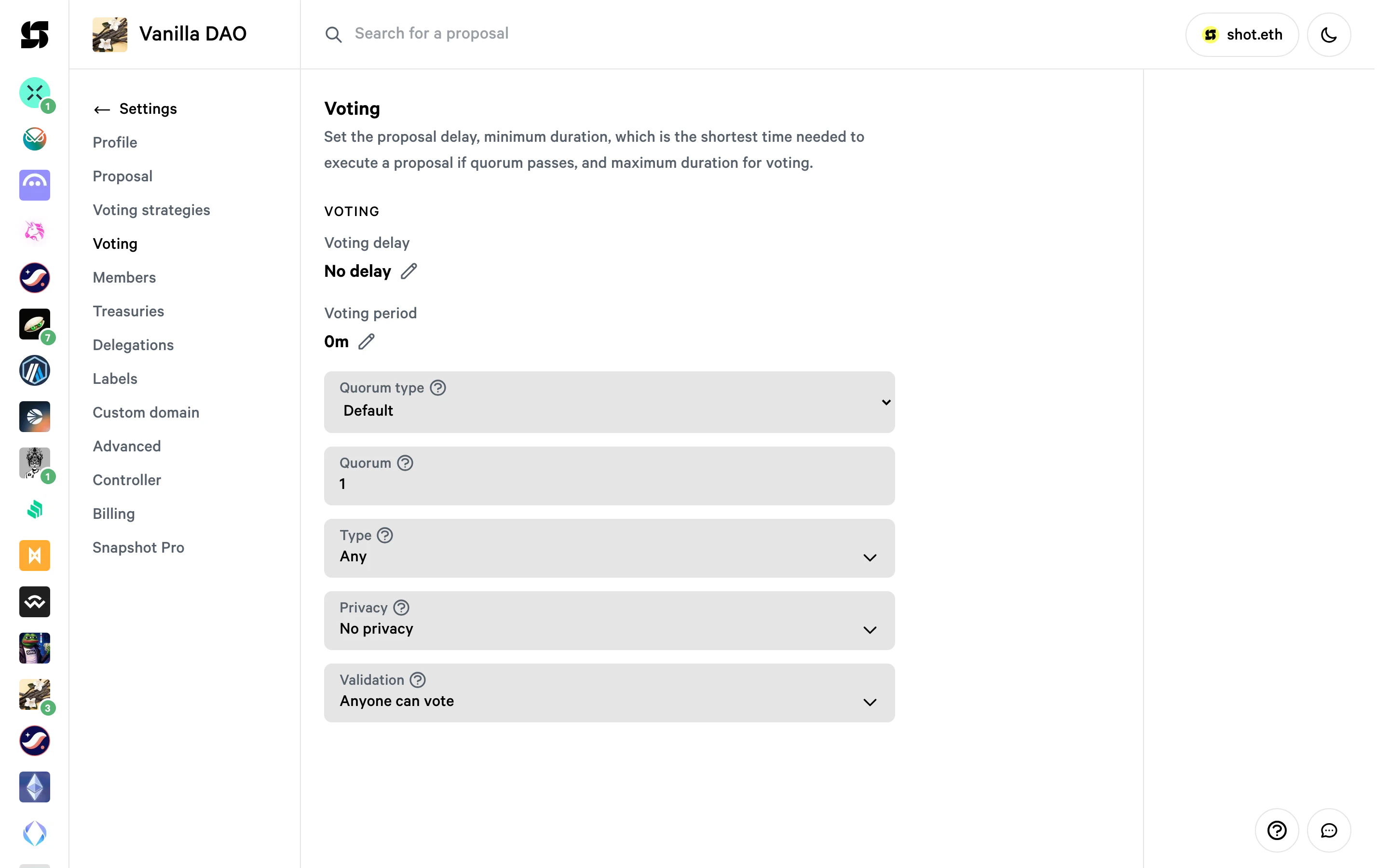
Delegations
Set a custom delegation contract to enable delegate discovery for your space.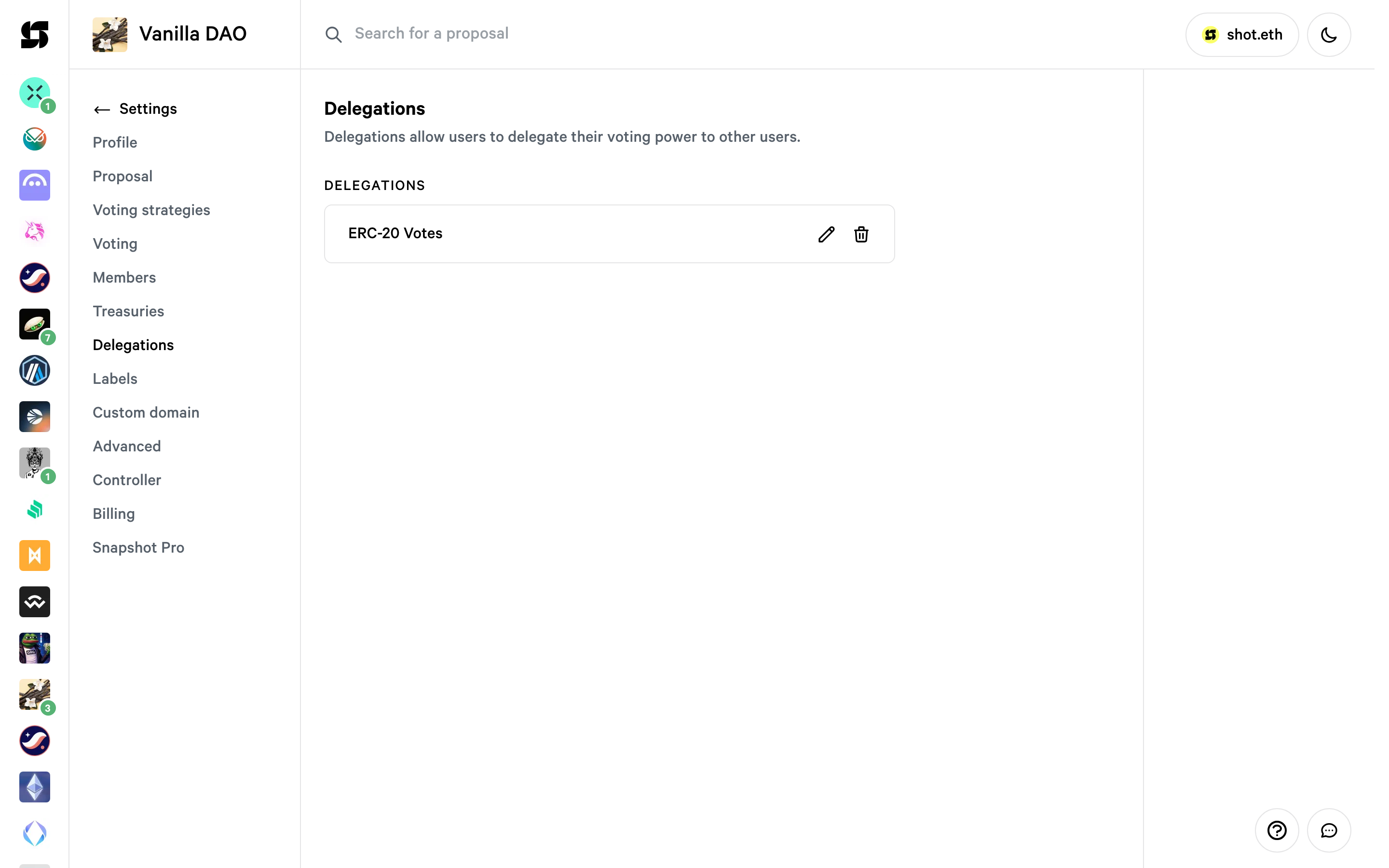
Once set, the delegates registry will be visible in the Delegates tab on the space page.
Advanced
Configure parent and children spaces (sub-spaces), terms, and other advanced settings.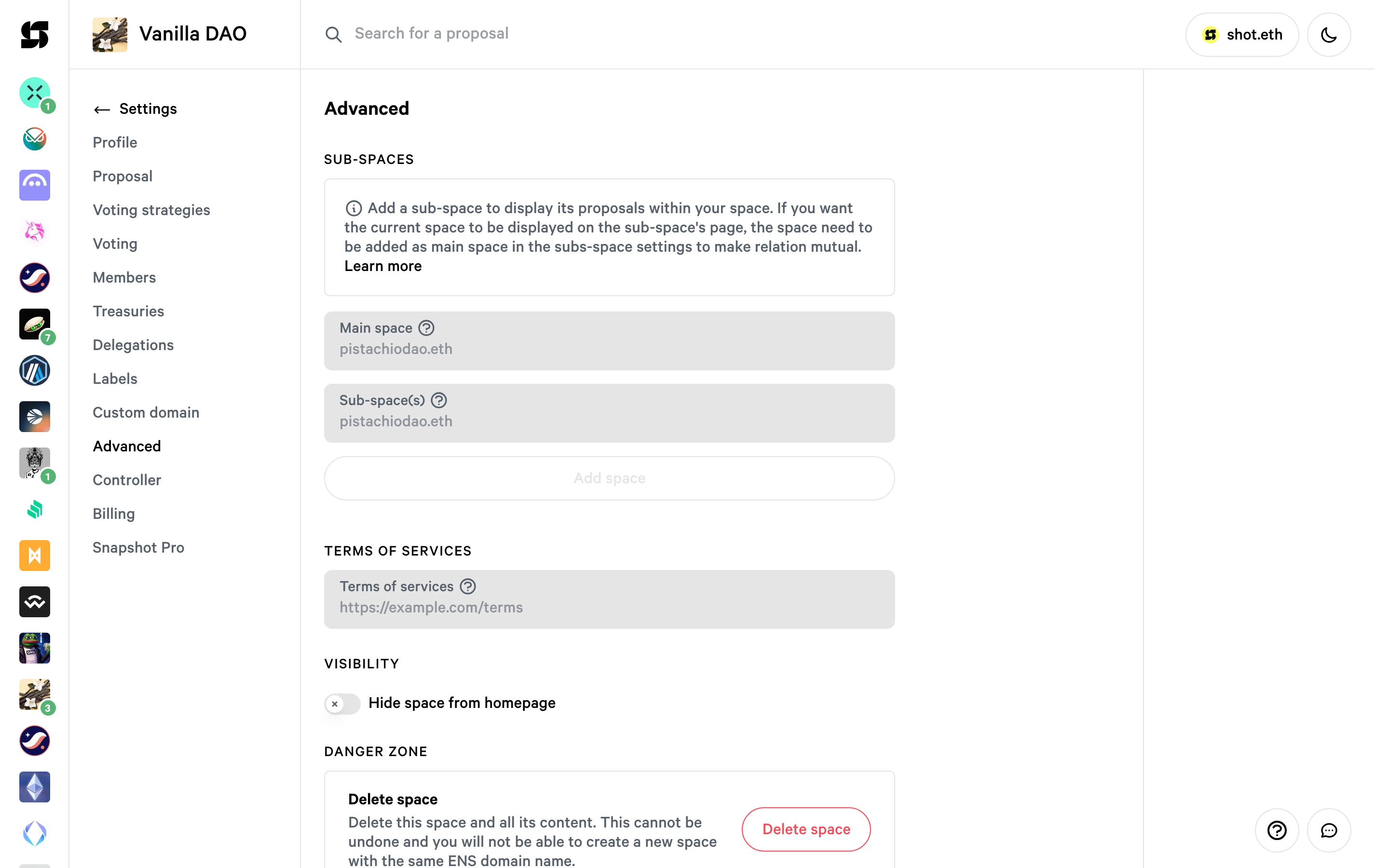
To learn more about sub-spaces, head to sub-spaces.
Custom domain
You can add a custom domain to your space in the Custom domain tab. Head to add-custom-domain for a step-by-step guide.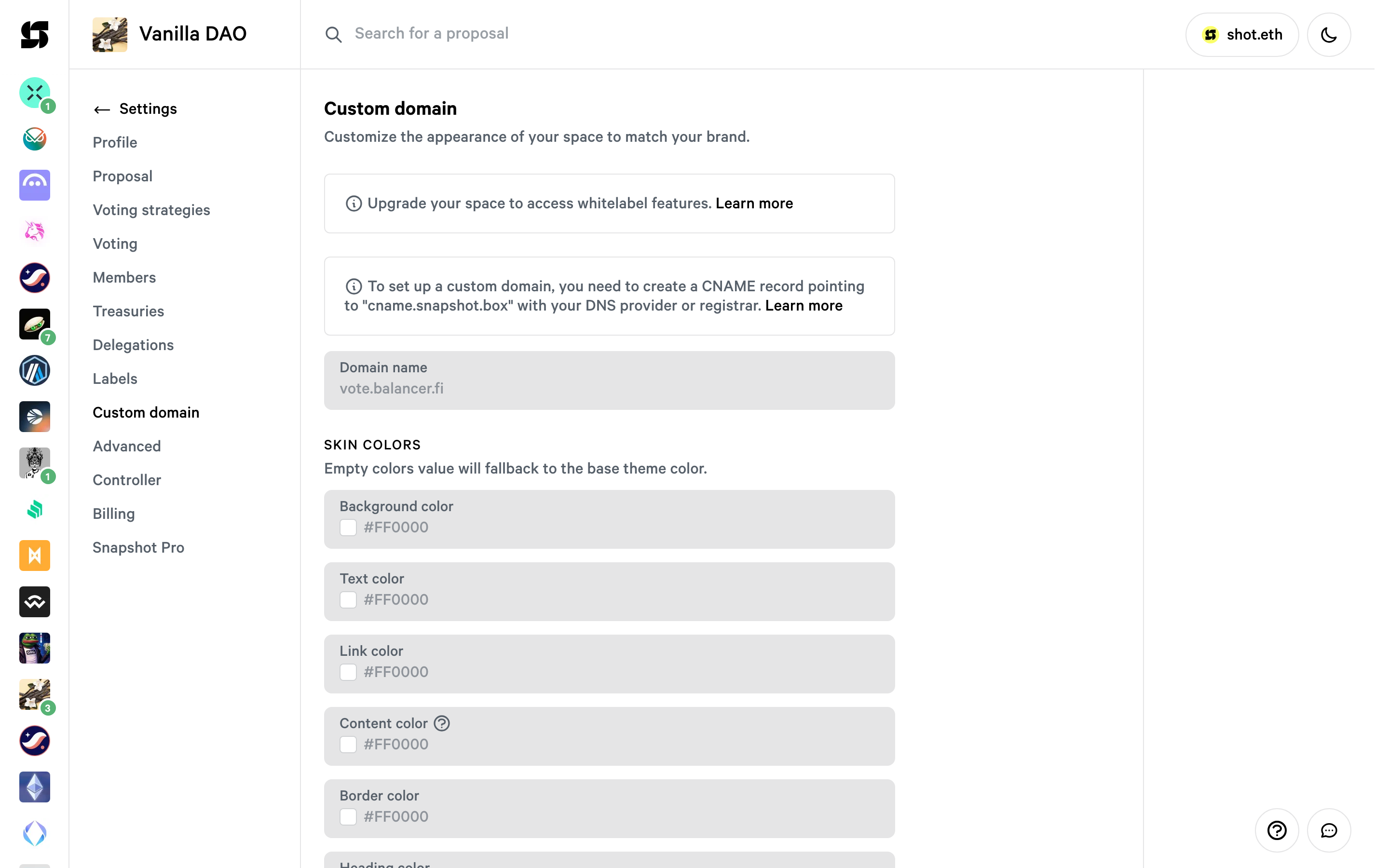
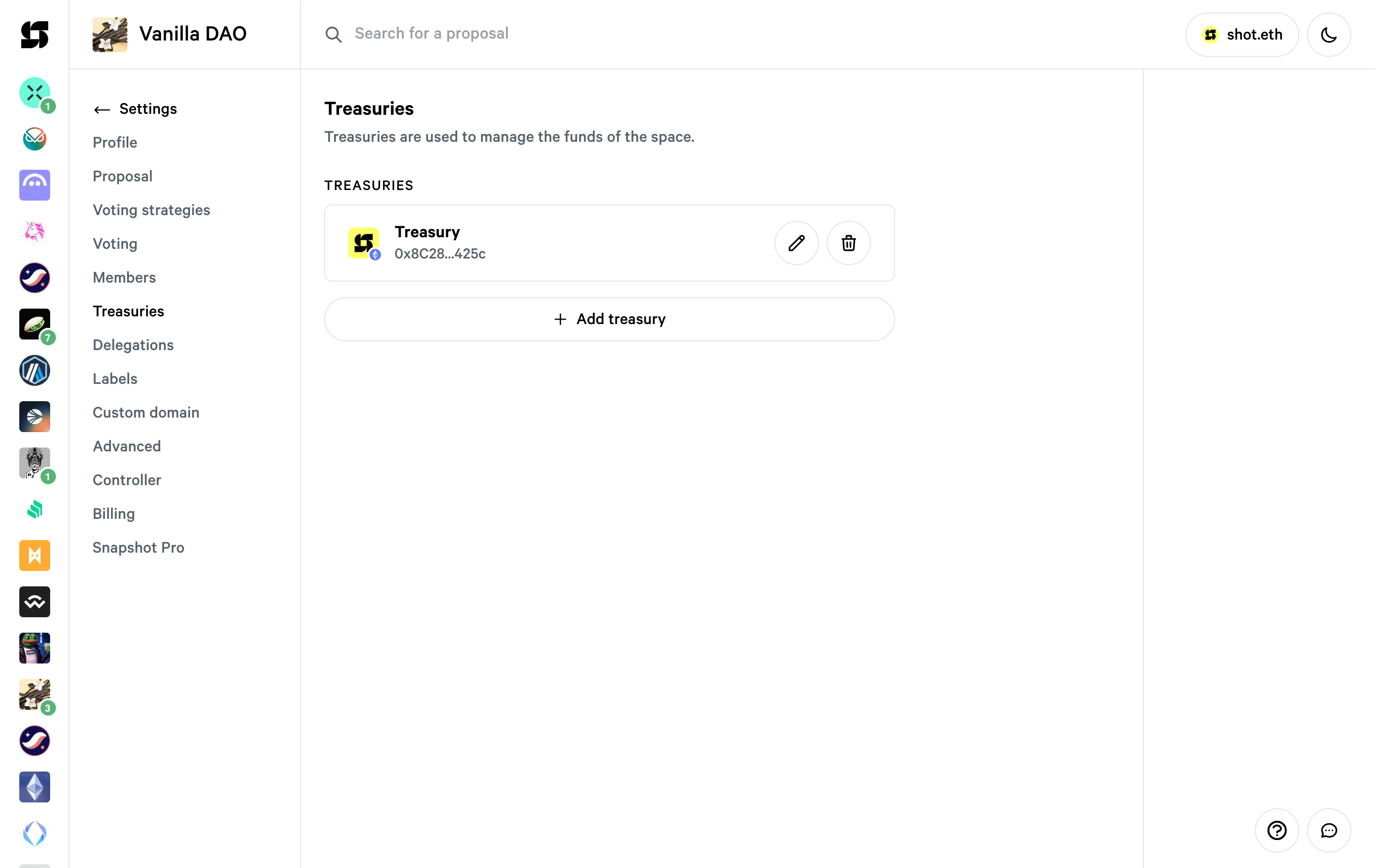
Treasuries
Link your organization’s treasury to Snapshot by adding the treasury network, address, and name. You can add multiple treasuries to one space.