What is a role?
Snapshot spaces use a hierarchical role system to manage governance and participation. The four main roles are Controller, Admin, Moderator, and Author, each with specific permissions.Role permissions
Controller
The Controller is the highest authority, limited to a single entity per space. They have full control, including adding or removing admins, editing space settings, canceling proposals, and publishing proposals. Controllers can be represented by smart contract wallets like Safe, and sometimes the space itself serves as the Controller.Admin
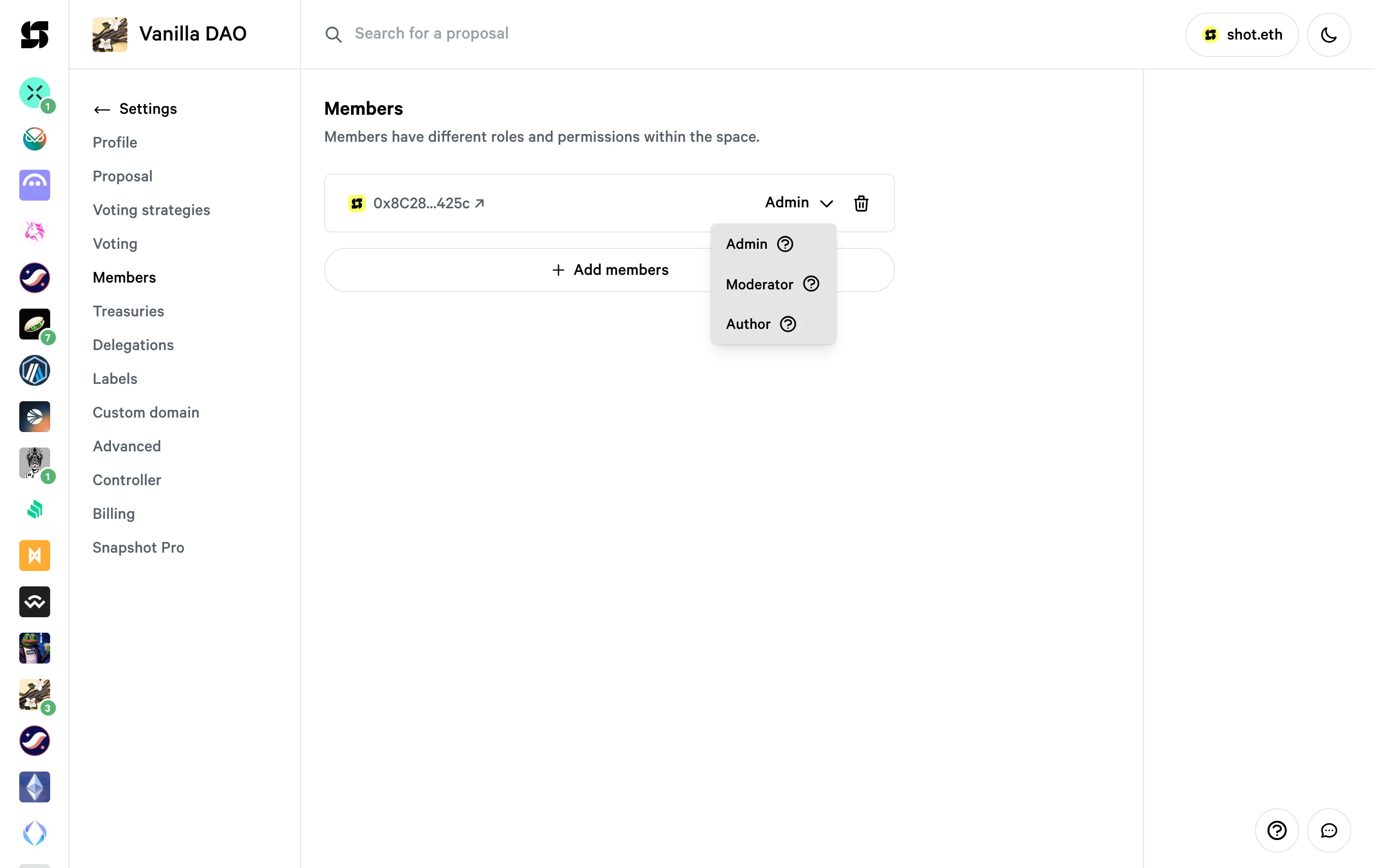
Admins can edit space settings, cancel proposals, and publish proposals but cannot add or remove other admins.Moderator
Moderators can cancel proposals and publish proposals but cannot edit settings or manage admins.Author
Authors can publish proposals without needing voting power or meeting proposal validation requirements. They have no other administrative permissions.On Snapshot X there is only one role: the Controller. The Controller can change settings and cancel proposals.
Assign a role to a user
Controller
The controller is first assigned during the process of space creation. By default, it is the ENS domain controller. There can be only one controller per space and it can be updated only by the ENS owner. To view or update the controller, go to your space Settings and select the Controller tab: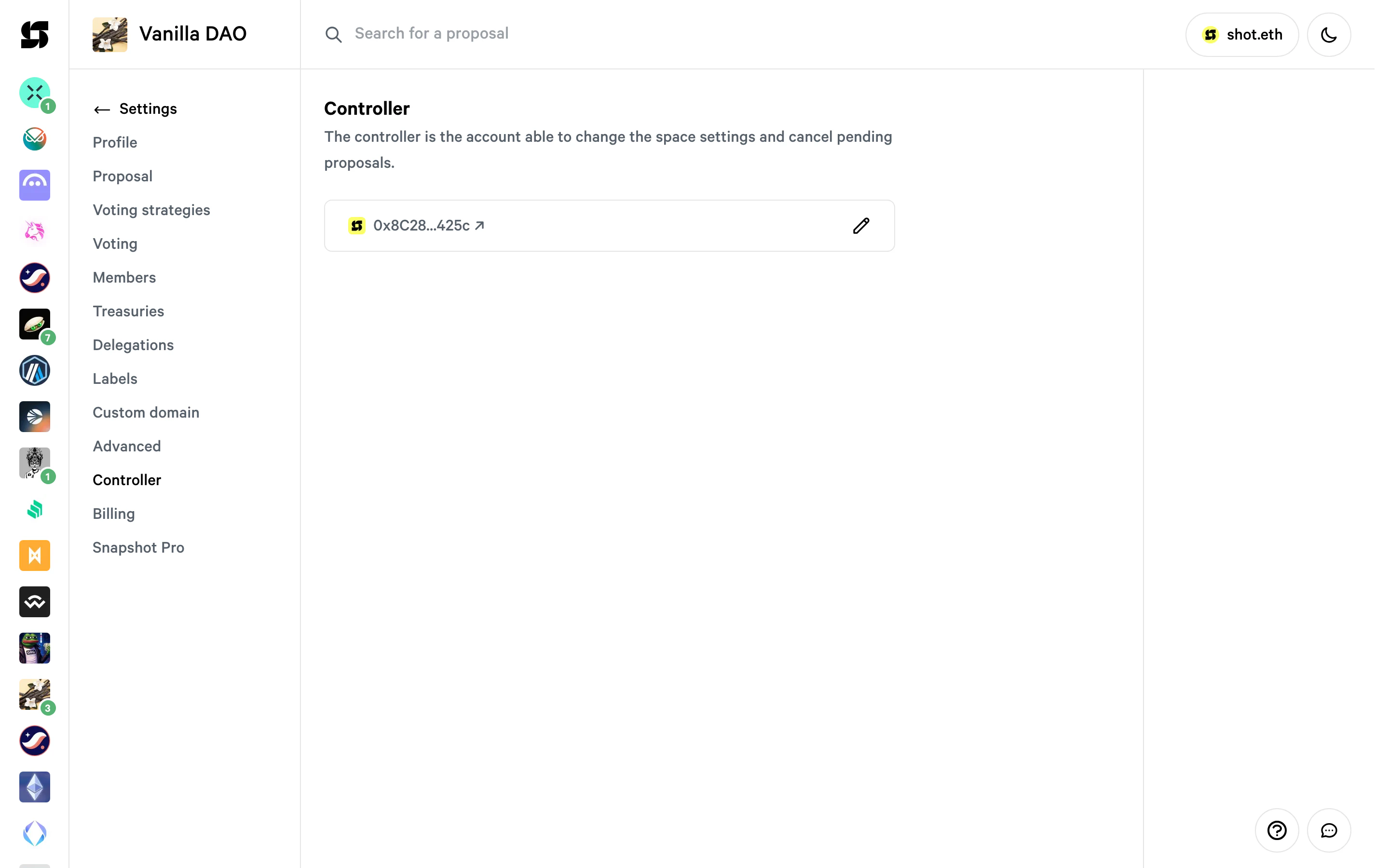
Admins, moderators, and authors
To manage members, go to your space Settings and select the Members tab. You can add addresses and choose their applicable role from the dropdown: