- For mainnet networks, visit: snapshot.box/#/create/snapshot-x
- For testnet networks, visit: testnet.snapshot.box/#/create/snapshot-x
1. Organization’s details
Provide the profile information likename, description, social links or handles and treasury.
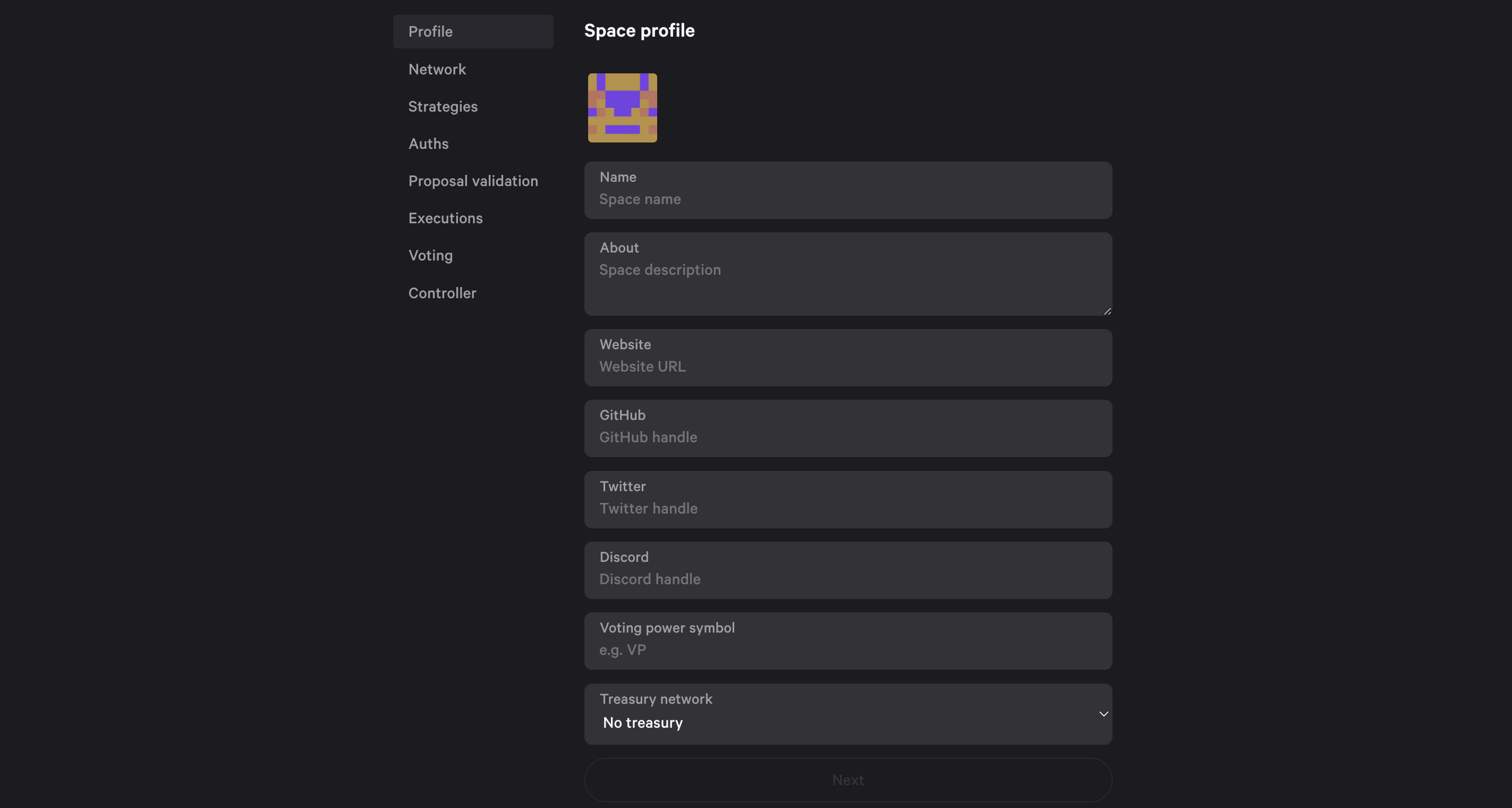
Treasury is the address of your organisation’s main account.

2. Select network
Choose the network for your organisation. At the moment Snapshot X works with Ethereum.Starknet implementation is coming soon.
3. Voting strategies
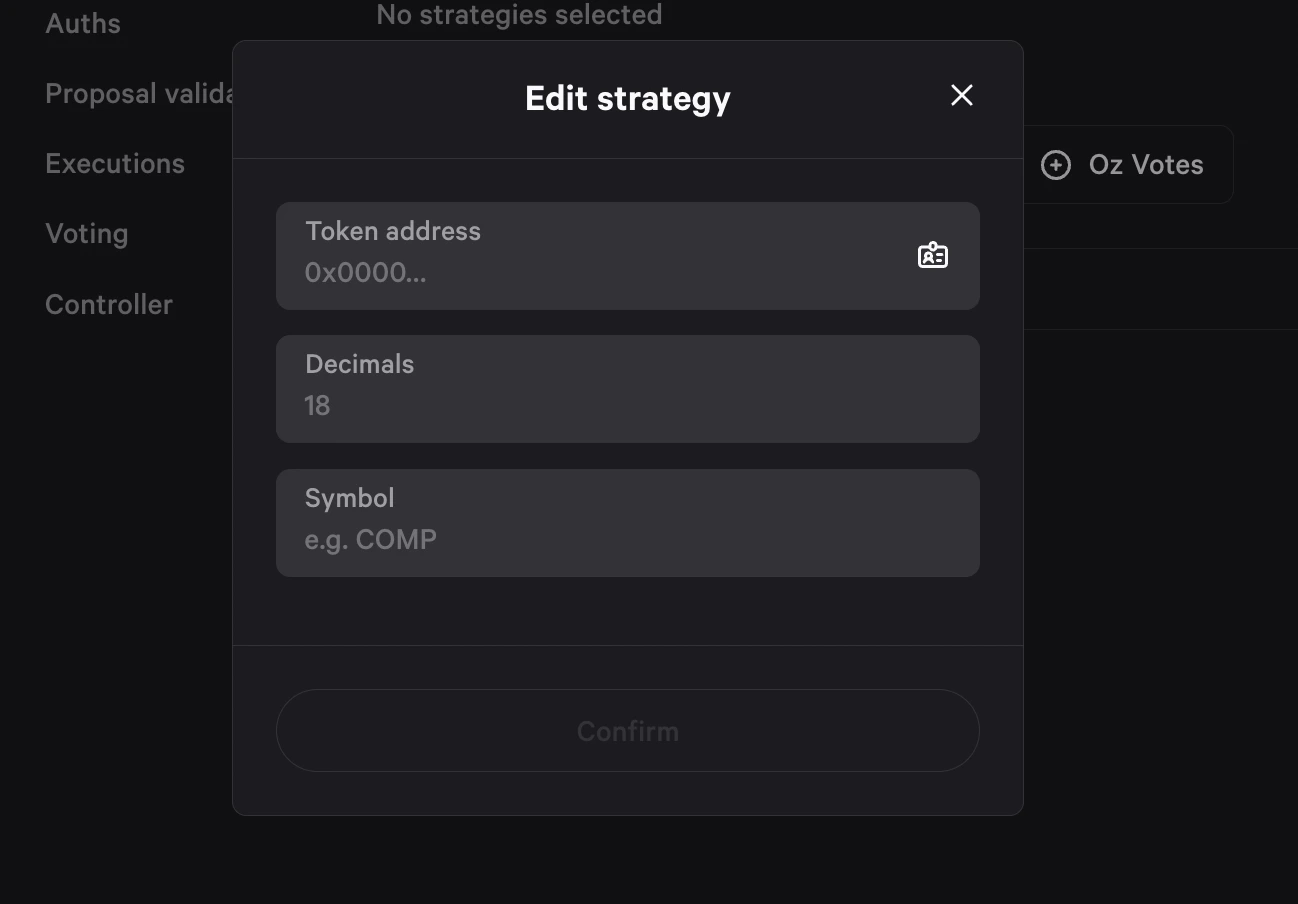
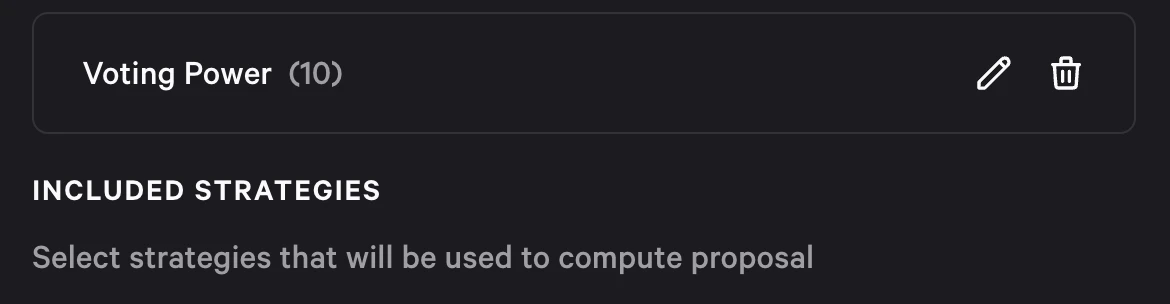
Voting Strategies calculate the Voting Power of each user.If you are not familiar with what a Voting Strategy is, head to voting strategies to learn more.
4. Authenticators
Choose how users will be authenticated in order to create a proposal or cast a vote.If you are not familiar with what Authenticators are, head to authenticators to learn more.
Ethereum signature
It will authenticate a user based on a message signed by an Ethereum private key.Ethereum transaction
Users have to submit a transaction on Ethereum. Authentication is proving that the sender’s address is valid.5. Proposal validation
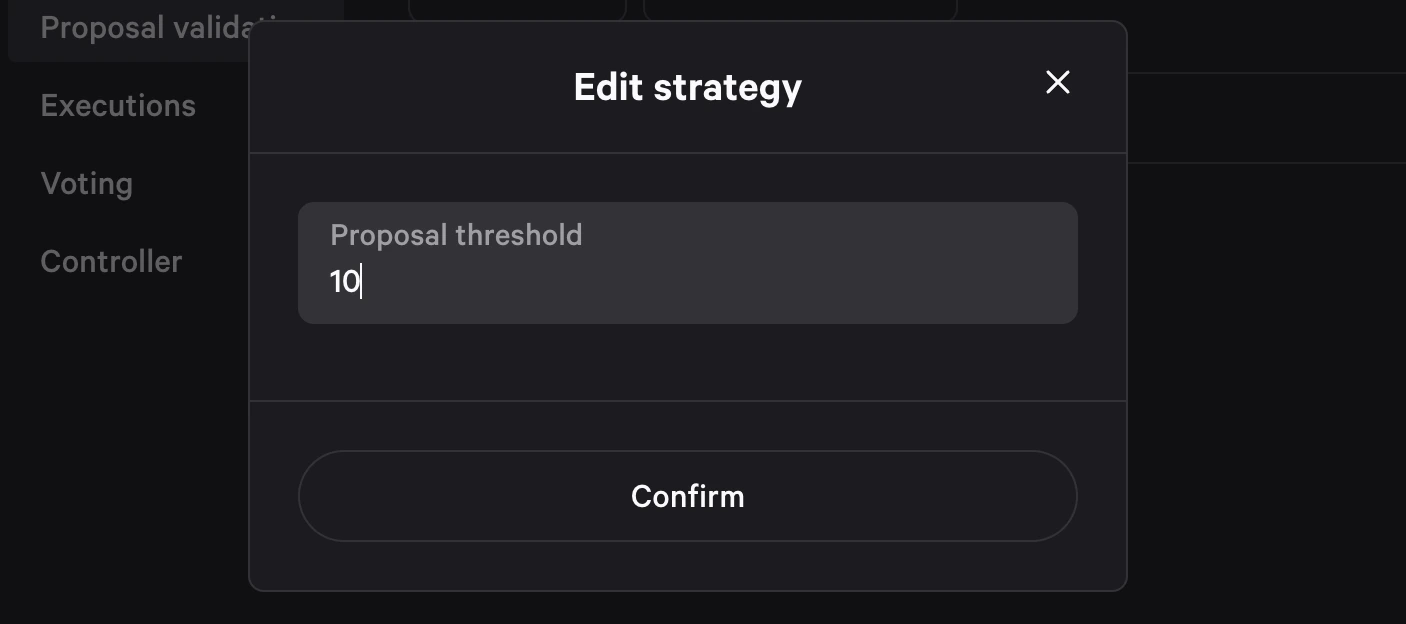
Proposal Validation is setting requirements that user needs to meet in order to create a new proposal.If you are not familiar with what a Proposal Validation is, head to proposal validations to learn more.
6. Execution
Execution Strategies have two key roles:- determining the status of a proposal at any time,
- and executing the payload of a proposal if it has been accepted.
If you are not familiar with what Execution Strategies are, head to execution strategies to learn more.
Execution strategies
Currently Snapshot X provides two Execution Strategies:Avatar
-> ideal solution for treasuries on Safe -> executes transactions on an Avatar contract -> uses simple quorumAvatar contract is any contract which implements the
IAvatar interface. Safe is an example of an Avatar contract.Timelock
-> adds additional security layer to review or cancel transactions before they get executed -> executes transactions after a delay specified in seconds -> uses simple quorumWhen a proposal with this strategy is executed, the proposal transactions are queued in the Timelock for
timelockDelay seconds before they can be executed.7. Voting
Customize the setup for voting which will affect all proposals in your space: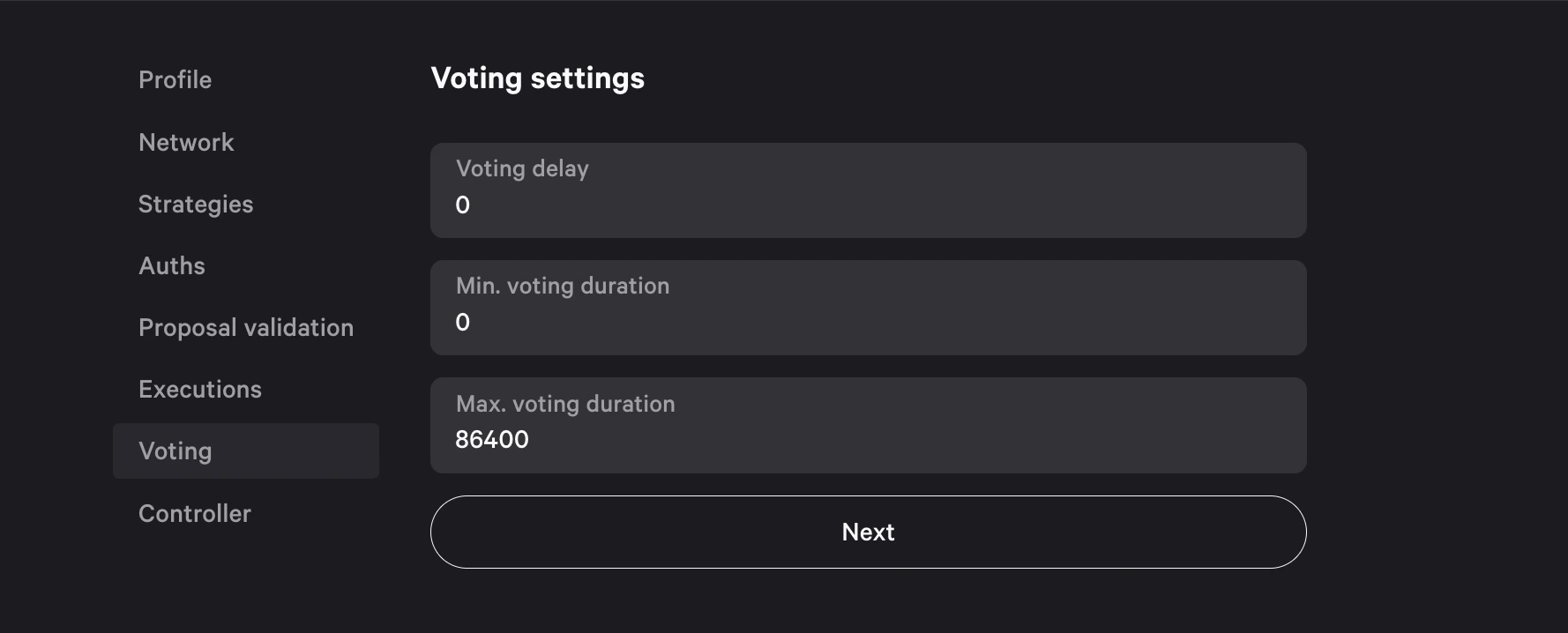
- Voting delay: The delay between when a proposal is created, and when the voting starts. A value of 0 means that as soon as the proposal is created anyone can vote while a value of 3600 means that voting will start 3600 seconds after the proposal is created.
- Minimum voting duration: The minimum duration of the voting period. It is impossible to execute a proposal before this period has elapsed.
- Maximum voting duration: The maximum duration of the voting period, it is impossible to cast a vote after this period has passed. The
minimum voting durationmust be less than or equal to this value.
We highly recommend implementing a Voting Delay to allow more time to review proposal’s content and identify malicious proposals before voting starts.
7. Controller
Space controller is a user that has a full control over the space settings. The address can differ from your own, you can for example set a multisig account as the controller.8. Sign transaction(s)
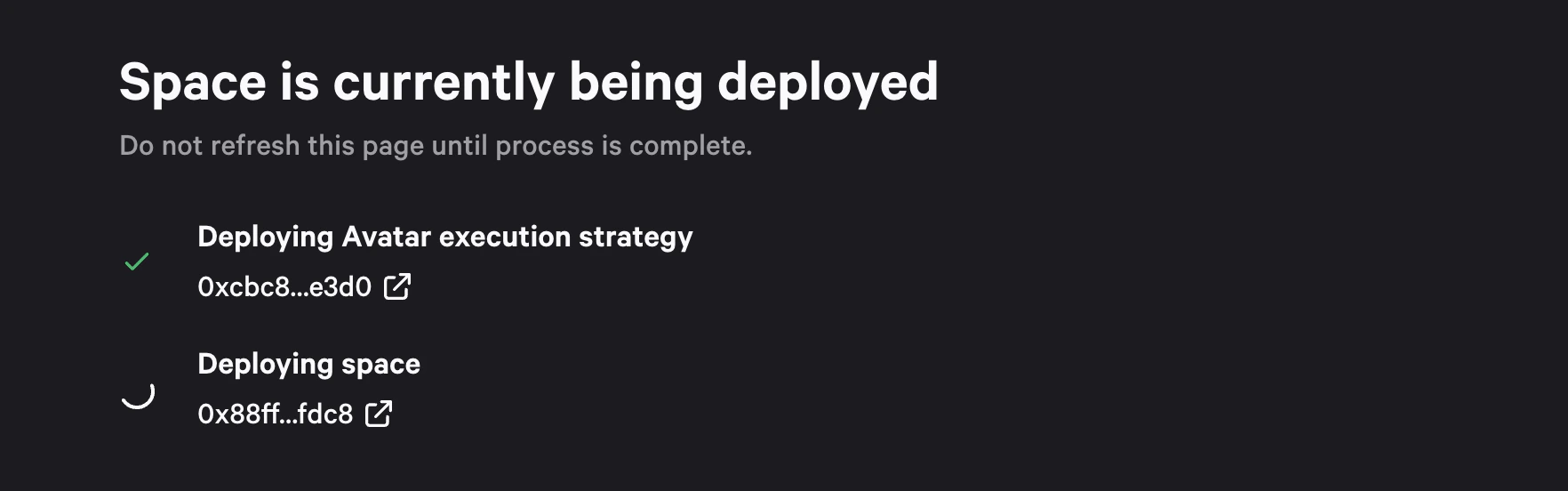
Click Create and sign transaction(s) in your wallet. You will have to sign multiple transactions, each for individual contracts to be deployed:- Space contract
- Execution strategy contracts - each space has its execution strategy deployed as an individual contract